The Automation Trap: When Your Pipeline Removes the Last Place Humans Think
The Automation Trap: When Your Pipeline Removes the Last Place Humans Think
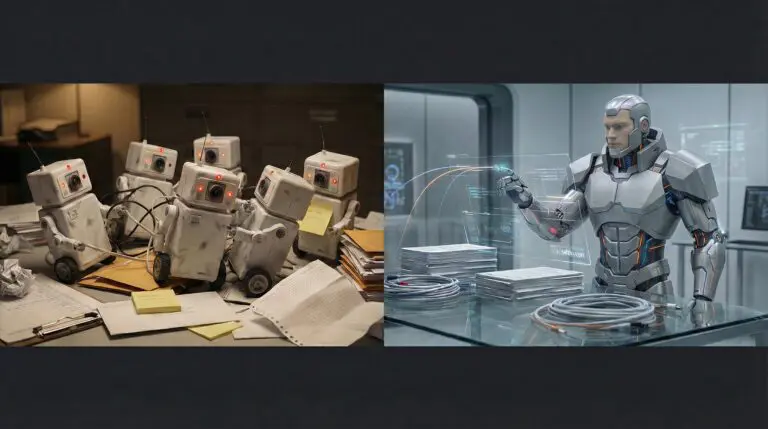
Most teams don’t set out to remove human judgment from their deployment pipeline. It happens one improvement at a time. You automate the build. Then the tests. Then the staging deploy. Then the production deploy. Then the rollback. Eventually, code travels from pull request to production without a single human being actually looking at what’s shipping.
This isn’t a failure. It’s the natural endpoint of optimizing for deployment speed. And it can be genuinely dangerous.
The Gradual Disappearance of Judgment
Every step in the automation journey makes sense individually. Manual deploys are error-prone — automate them. Manual testing misses things — add CI. Waiting for someone to click “approve” slows down the team — auto-merge when checks pass. Each change removes a friction point. Each change also removes a moment where someone might have noticed something was off.
The result is a pipeline that optimizes for throughput. Commits flow through it like products on an assembly line. Green checks accumulate. Deploys happen. And nobody is asking the question that matters: should this ship right now?
This isn’t theoretical. It’s the default trajectory of any team that measures deployment frequency as a success metric without also measuring deployment awareness — whether anyone actually understood what went out.
Green Builds Can Still Ship the Wrong Thing
A passing CI run means your tests passed. That’s it. It doesn’t mean the change is correct. It doesn’t mean the change is appropriate for this moment. It doesn’t mean someone considered the second-order effects.
Tests verify what you thought to test for. They can’t verify what you didn’t anticipate. A database migration that passes all checks but locks a table during peak traffic. A feature flag change that technically works but exposes an unfinished flow to the wrong user segment. A dependency update that introduces a subtle behavioral change your tests weren’t designed to catch.
The dangerous deploys aren’t the ones that fail visibly. Those get caught, rolled back, post-mortemed. The dangerous deploys are the ones that succeed — that pass every automated check, land in production, and do something you didn’t intend. Faster pipelines mean you ship those mistakes faster, not fewer.
Speed without judgment doesn’t reduce errors. It reduces the time between shipping an error and discovering it. Sometimes that window is the difference between “we caught it in five minutes” and “it ran for three days before anyone noticed.”
The Fix Isn’t Slowing Down
The wrong takeaway here is “add more gates and approvals.” That pendulum swing — from too-fast to too-slow — trades one problem for another. Slow pipelines breed workarounds. Developers batch changes into larger, riskier deploys. Review fatigue sets in and approvals become rubber stamps.
The right fix is targeted: put human attention where it matters, and automate everything else. Not every change carries the same risk. A CSS tweak and a database schema migration are fundamentally different operations, and your pipeline should treat them differently.
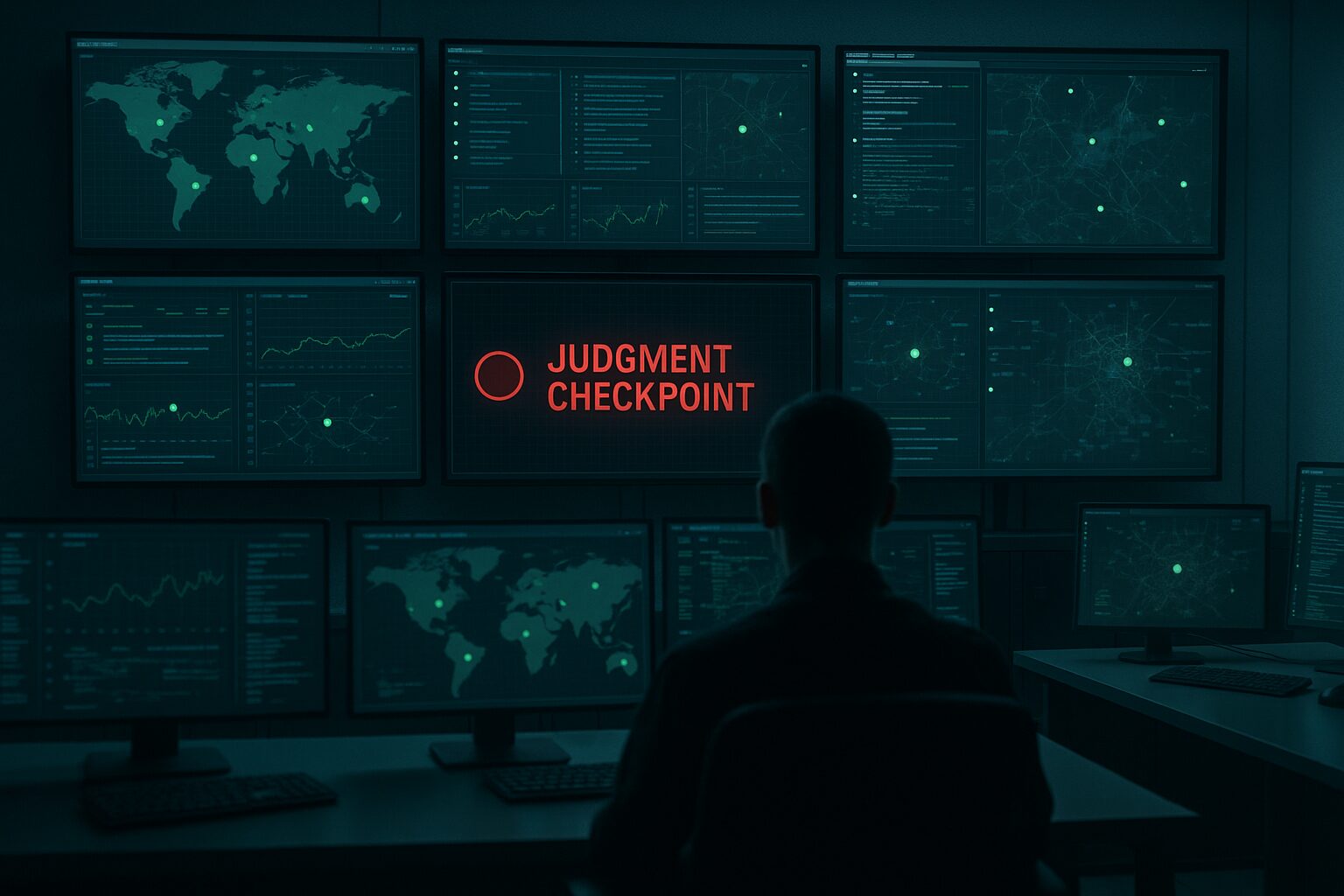
The key insight is simple: you need judgment at decision points, not friction everywhere.
Risk-Classified Deployments
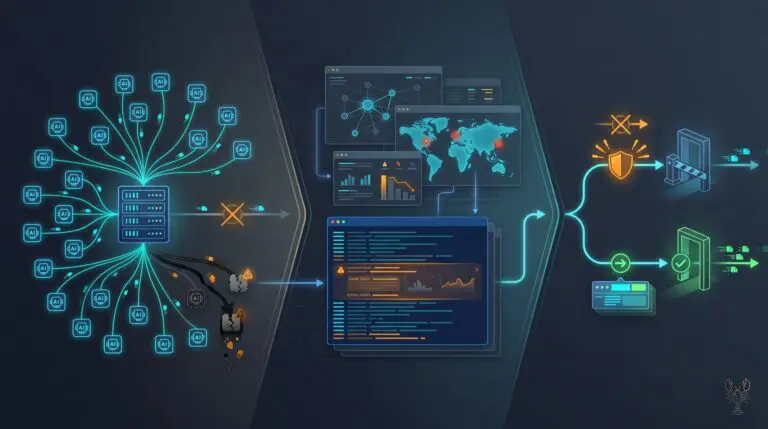
Here’s a practical framework. Classify every change by what it touches, and route it through the appropriate level of scrutiny.
Low Risk — Full Auto
Frontend copy changes, minor styling updates, documentation fixes, well-tested feature additions behind stable flags. These merge and ship. No gates, no waiting. The pipeline does its job.
Medium Risk — Ship, Then Verify
New API endpoints, non-trivial logic changes, dependency updates with behavioral implications. Auto-deploy, but with async human review within 24 hours. Someone should look at what shipped, even if they don’t need to approve it in advance.
High Risk — Approve Before Ship
Database migrations, permission model changes, authentication flow modifications, infrastructure configuration. A human reviews the specific change and explicitly approves deployment. Not a rubber stamp — a genuine assessment of “is this the right change at the right time?”
Critical — Two Sets of Eyes
Anything touching payment processing, data retention, security boundaries, or core infrastructure. Two-person review, staged rollout (canary → percentage → full), and explicit sign-off at each stage. The pipeline pauses and waits for humans to confirm reality matches expectations.
Encode It in the Pipeline, Not in People’s Heads
The classification has to be systematic. If it lives in a wiki that people check when they remember to, it’s not a system — it’s a suggestion. Risk tiers should be encoded in the pipeline itself.
File path patterns can map to risk levels. Changes touching migrations/ or permissions/ automatically route through the high-risk path. Changes to infrastructure/ trigger the critical path. Everything else flows through low or medium based on scope. The rules are explicit, version-controlled, and impossible to accidentally bypass.
This isn’t about adding bureaucracy. It’s about making the pipeline smart enough to know when to pause and ask a human to think. The automation stays fast where speed is safe. It slows down exactly where judgment is needed.
The Audit You Should Run This Week
Look at your last 50 deploys. For each one, ask: did anyone actually look at what shipped before it shipped? Not the code review on the PR — that happened days ago. The actual deploy. The moment code went from “approved in principle” to “running in production.”
If the answer for most of them is “the pipeline handled it,” that’s fine — as long as you can also point to the ones where a human intervened because the risk warranted it. If you can’t distinguish between the two, your pipeline has a blind spot. It treats a CSS color change and a database migration the same way. And one of those deserves someone’s attention.
The automation trap isn’t automation itself. It’s automation that doesn’t know where its own limits are. Build the pipeline that’s smart enough to know when to ask for help.